


We’ve talked before about how operating your volunteer board like a business can lead to a better experience for all involved.
If you’re a 501(c)(3), you already qualify for many of the same tools real businesses use for free.
Here’s our guide of free tools that volunteer boards find most helpful to their board operations:
The Big One: Google Workspace for Nonprofits

If your organization is a qualifying 501(c)(3), you can get Google Workspace for Nonprofits at no cost.
Read More: https://www.google.com/nonprofits/offerings/workspace/
Google Workspace includes the following:
Gmail: Branded Email Addresses
Upgrade your email addresses from league123@gmail.com to president@yourleague.com.
How it helps:
Looks more credible to sponsors, partners, and parents.
Consider role-based alias emails: “treasurer@”, “registrar@”, “volunteers@”
When someone transitions off the board, you can transfer over the inbox and maintain that branding
Google Drive: Document Storage
Google Drive gives you cloud storage. Shared Drives belong to the organization, not any one person.
Use it for:
Bylaws, board minutes, budgets, vendor contracts.
Sponsorship decks, logo files, field maps, safety plans.
Separate Shared Drives like:
Board Bylaws
Finance
Rules
Registration
Sponsorship & Fundraising
Again, when a volunteer leaves, your documents stay.
Google Docs & Sheets: Agendas, Playbooks, and Tracking
Docs = shared writing.
Sheets = shared spreadsheets.
How they help:
Create a reusable board meeting agenda and take live notes together.
Turn recurring work into simple playbooks (“How to run tryouts,” “How to close the snack bar”).
Track budgets, rosters, sponsors, equipment in a Collaborative Google Sheet instead of living on someone’s desktop in a document called: “FINAL_FINAL_V7.xlsx”.
Google Calendar & Meet: Fewer “Wait, When Is That?” Moments
Google Calendar helps you organize meetings & deadlines:
Board Meetings
Registration Deadlines
Fields & Facility Closures
Volunteer Shifts
Share them with board members, coaches, or key volunteers so everyone sees the same schedule.
Google Meet then gives you video meetings directly from those calendar invites, so you can:
Hold board meetings when people are traveling.
Do quick working sessions (budget review, schedule planning) without commuting across town.
Google Forms: Automate the Repetitive Stuff
Google Forms collects information and pipes it into a Sheet for you.
Use it for:
Uniform/merch orders (sizes, names, quantities).
Season feedback surveys for parents.
Board/committee interest forms for new volunteers.
Incident reports that you don’t want lost in an inbox.
If you’re currently copying things out of emails into spreadsheets, Forms is your new best friend.
Optional but Nice: Chat & Sites
If your board wants to keep things in one ecosystem:
Google Chat: channels for Executive Board, Fields, Fundraising, etc, instead of scattered text threads.
Google Sites:
A simple public site, or
A private “Board Hub” with links to folders, meeting schedule, and onboarding docs.
You don’t have to use everything, but it’s there when you’re ready.
A Few Other Free Options
Here are a few other tools worth knowing about. Always check each provider’s current nonprofit policy as offers can change.
Canva for Nonprofits: Look Professional, Fast

What it is: A drag-and-drop design tool to help you create visual assets for your community.
Read More: https://www.canva.com/canva-for-nonprofits/
Use it for:
Social posts (“Registration now open,” sponsor shout-outs).
Branded Flyers and yard signs.
Banners for events and fundraisers.
Easily create templates once and reuse them every season.
WhatsApp: One Place for Quick Conversations

Pick one primary place for quick conversations. If not Google Chat, we recommend WhatsApp.
WhatsApp: Group messaging platform for boards that communicate via text frequently
Channels provide the ability to organize different chat threads. Consider creating one channel for Executive Board Members, one for All Board Members, and ones for each shared committee.
SignUp Tools: No More Volunteer Spreadsheet Nightmares
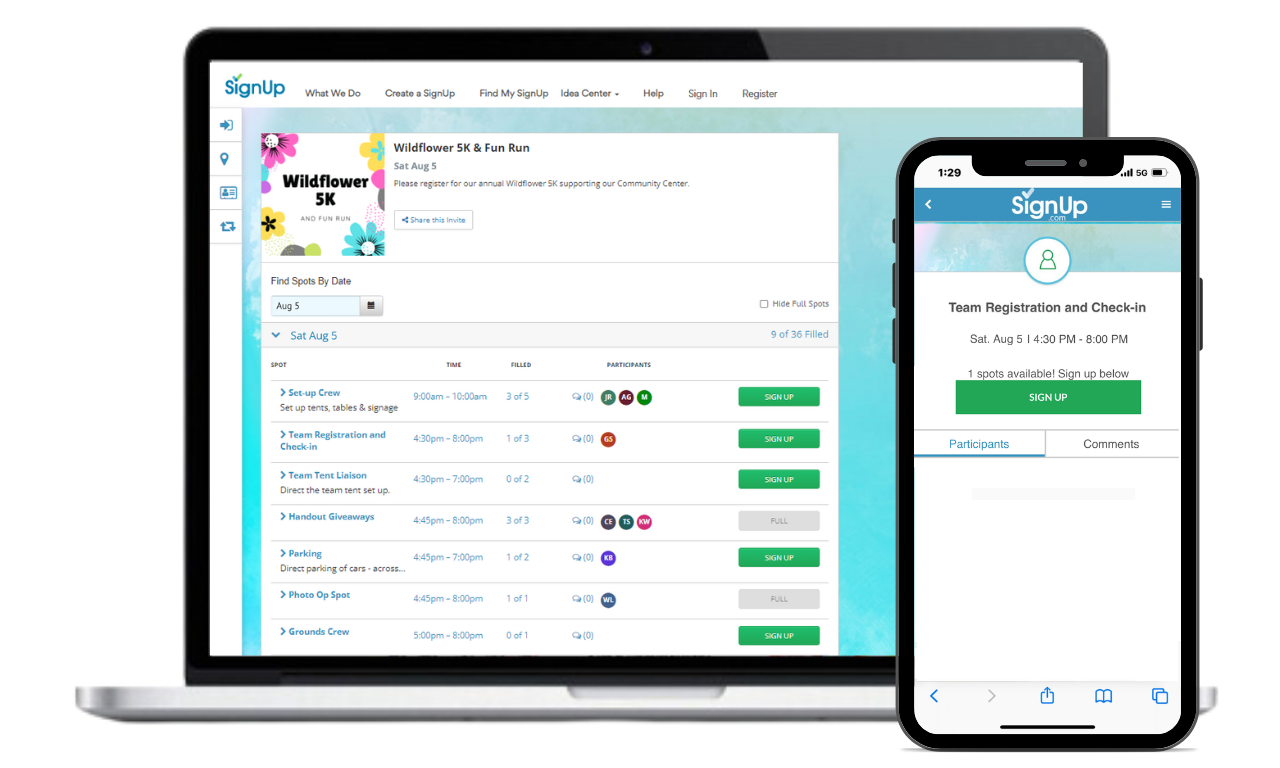
Tools like Signup.com make it easy to:
Create volunteer sign-up slots.
Let people choose their own time.
Send automatic reminders so you don’t have to chase them.
Yes, you can hack this with Forms + Sheets but the built-in reminders and time slots are a helpful upgrade.
Basic Online Donations
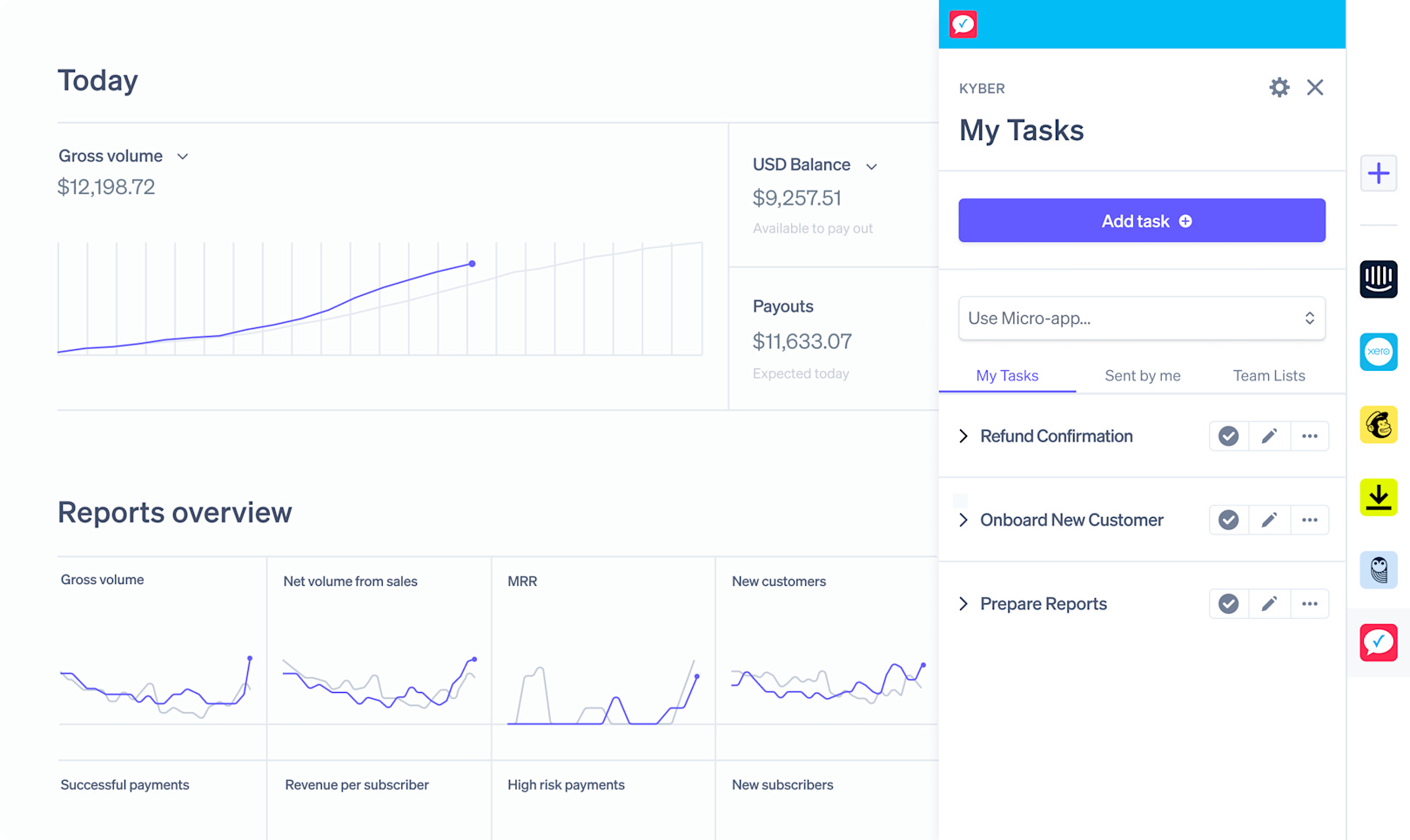
Most donation tools aren’t “free” (payment processing fees still exist), but the platforms are often free or discounted for nonprofits.
Look into:
A simple donation platform like Cheddar Up for quick & easy collection.
Stripe nonprofit programs for taking payments at Events or online collection of funds
Make it easy for people to give without handing checks to your treasurer in the parking lot.
The Real Point: Buy Back Your Time
Technology won’t line the fields or flip the burgers.
But it can:
Stop you from rebuilding the same spreadsheet every season.
Automate reminders you’re currently sending one by one.
Turn last year’s chaos into this year’s reusable template.
If your board is a 501(c)(3) and still running everything out of personal Gmail account and text chains, now is a great time to upgrade your operations with free software.